

Beyond the Content Explosion: What 17 ...
Blogs
Here is the uncomfortable truth about AI in learning today: ...

Teaching has always required organization. Managing curriculum, tracking student progress, communicating with learners, assessing performance — the administrative side of instruction can consume as much time as the instructional side itself.
Learning management systems in education exist to change that ratio. By centralizing the operational work, LMS platforms free teachers to focus on what they’re actually there to do.
Here’s what teachers actually use — and why.
A learning management system is a digital platform designed to manage, deliver, and track educational content and learner progress.
For teachers, that means a single environment where materials get organized, assignments run, grades get recorded, and communication happens — without juggling separate tools for each.
The practical benefits are measurable. AI-powered grading tools can save teachers an average of 15 hours per week, returning roughly 600 hours per year per instructor — time that goes back into teaching rather than administration.
Analytics built into the platform surface patterns that would take hours to spot manually: which students are disengaging, which content isn’t landing, and where intervention is needed.
Beyond efficiency, modern LMS platforms enable teachers to move from completion-based records to verified skills data — evidence of demonstrated competence captured through assessments and simulations, rather than just records of what content was accessed.
For institutions with accreditation or compliance requirements, that distinction matters.
The tools teachers rely on for communication have moved into the LMS:
Built-in messaging handles direct contact
Discussion boards create space for peer dialogue and reflective learning
Announcements keep entire cohorts aligned
Group project tools support collaborative work without requiring external platforms
The best implementations go further, integrating the LMS with third-party tools — Zoom or Teams for live sessions, Google Workspace for collaborative documents, Turnitin for academic integrity — transforming the LMS from a static repository into a dynamic learning hub where every interaction is tracked and connected.
Where the most significant gains are coming from: embedding immersive simulation training directly into LMS workflows.
Rather than pointing students to static content, teachers can assign realistic decision-making scenarios that adjust in real time to each learner’s responses.
Learners reported feeling 275% more confident applying skills after simulation-based training — a gap that no amount of video content closes.
LMS platforms fall into four main categories. The right one depends on your institution’s budget, technical resources, and how much control versus convenience you need.
|
Type |
Hosted by |
Pros |
Cons |
|
Cloud-based |
Vendor |
Easy deployment, automatic updates, accessible from any device, scales quickly |
Ongoing subscription costs, dependent on vendor uptime and internet connectivity |
|
Open-source |
Institution (self-managed) |
Highly flexible, no licensing fees, large developer community |
Requires in-house technical expertise for setup, maintenance, and security |
|
Proprietary |
Vendor |
Comprehensive support, regular updates, polished interfaces, full feature set |
Licensing costs, less customization, potential vendor lock-in over time |
|
Installed / self-hosted |
Institution (on-premise) |
Full data control, deep customization, no recurring fees |
High upfront costs, ongoing IT maintenance, slower to update |
Most schools gravitate toward cloud-based platforms for their ease of deployment and low IT overhead. Institutions with strong technical teams and specific customization needs often find open-source options like Moodle worth the investment.
For rapid adoption with minimal setup friction — particularly in K–12 — cloud-based proprietary platforms like Google Classroom and Canvas dominate. Modern authoring tools within these platforms let teachers build interactive content, including branching simulations, without needing developer support.
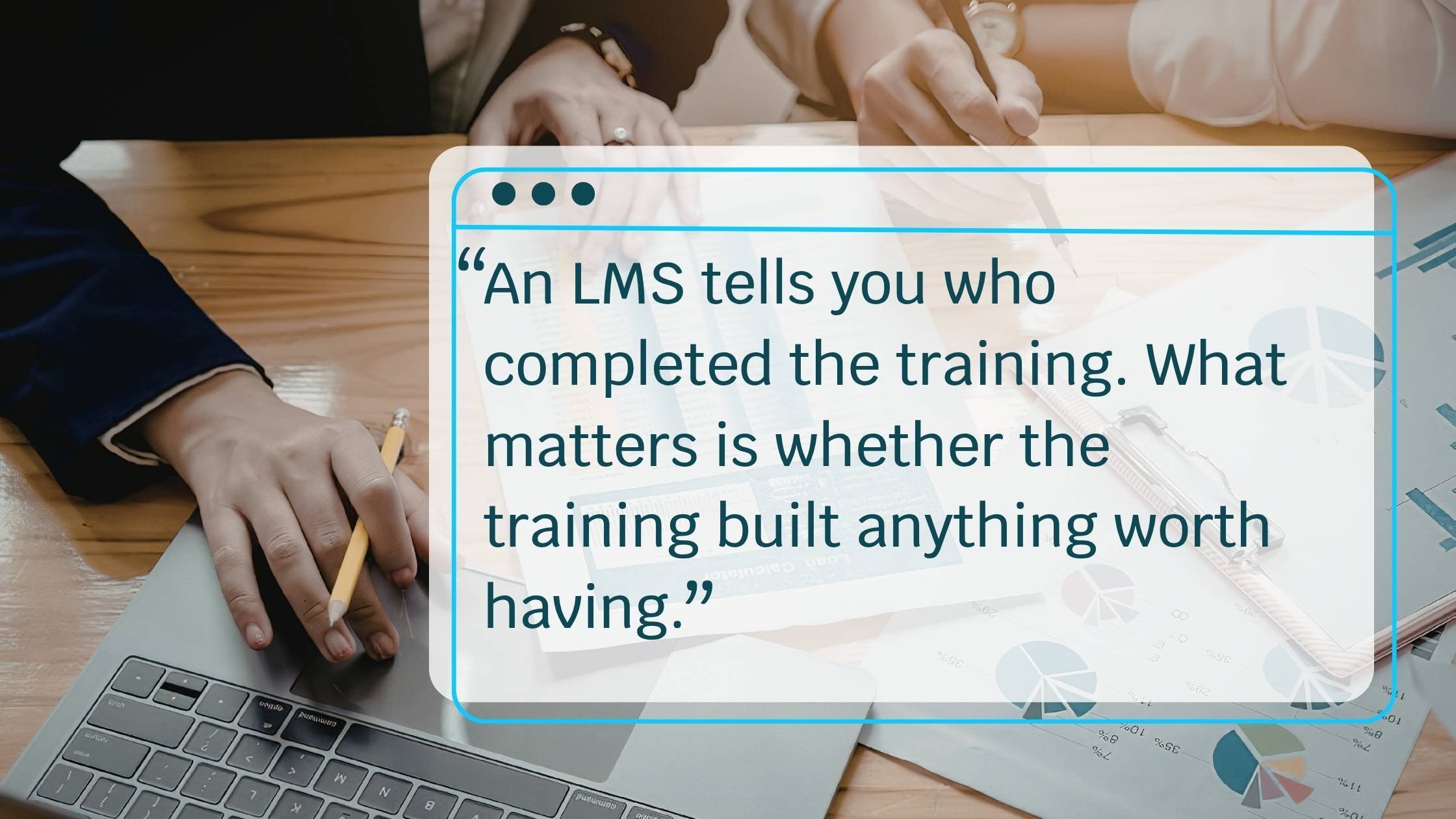
An LMS tells you who completed the training. What matters is whether the training built anything worth having – and that depends on the platform and goals.
The most widely used platforms reflect a consistent set of priorities: intuitive interfaces that don’t require training to navigate, strong analytics that surface actionable data, reliable integrations with the rest of the school’s technology stack, and mobile access for learners who aren’t always at a desk.
Google Classroom has over 150 million teachers and students globally, making it the most widely deployed platform in K–12 education. Its simplicity and tight integration with Google Workspace are the primary drivers of adoption, particularly in schools where teachers are already working in Gmail and Drive.
Canvas holds approximately 28% of K–12 implementations and 41% of North American higher education enrollment, making it the most analytically capable mainstream option. Its course design tools, third-party integrations, and assessment capabilities are particularly valued at the university level, where tracking student performance across complex curricula matters.
Moodle’s open-source flexibility makes it a preferred choice for institutions that need deep customization without licensing costs.
A systematic review of Moodle implementations found consistent improvements in student performance, satisfaction, and engagement in university STEM programs. Schoology rounds out the top four in K–12, combining LMS functionality with social learning features that foster student interaction.
What separates schools that see meaningful outcomes from those that don’t isn’t primarily the platform choice. It’s what gets delivered through it.
Teachers pairing their LMS with adaptive learning tools and scenario-based practice see meaningfully different results than those using it as a file-sharing system.
Your LMS handles the administration. Skillwell handles the learning experience — combining adaptive pathways and immersive simulation to build skills your teachers can actually see in student performance.
Google Classroom is the most widely used K–12 platform globally, with 150+ million teachers and students; Canvas and Google Classroom each hold ~28% of K–12 implementations
Canvas leads in North American higher education with approximately 41% of enrollment-weighted market share
Moodle is the dominant open-source choice, particularly for institutions needing deep customization
Schoology is popular in K–12 for its combination of LMS features and social learning tools
Cloud-based: vendor-hosted, easy to deploy, accessible anywhere — most widely adopted
Open-source: institution-managed, highly flexible, no licensing fees, requires technical expertise
Proprietary: commercial products with full vendor support, polished interfaces, regular updates
Installed / self-hosted: on-premise, maximum data control and customization, high upfront cost
AI grading tools save teachers an average of 15 hours per week, returning roughly 600 hours per year
Automated assignment distribution, enrollment, and reporting eliminate manual administrative tasks
Analytics surface student performance trends without requiring teachers to compile reports manually
Integrated communication tools consolidate messaging, announcements, and feedback in one place
Here is the uncomfortable truth about AI in learning today: ...
Adaptive learning promises personalized pathways and measurable gains. Seasoned buyers know no technology arrives without ...
Remote and hybrid higher education changed what "hands-on" can mean.
Here is the uncomfortable truth about AI in learning today: ...
Adaptive learning promises personalized pathways and measurable gains. Seasoned buyers know no technology arrives without ...
Remote and hybrid higher education changed what "hands-on" can mean.