

Beyond the Content Explosion: What 17 ...
Blogs
Here is the uncomfortable truth about AI in learning today: ...
If you're responsible for employee training, you've likely encountered the alphabet soup of corporate training software technologies: LMS, TMS, LCMS, and more.
At the center of most corporate training programs sits the corporate LMS—a Learning Management System designed to organize, deliver, and track training across an organization.
But here's the thing: an LMS is really about managing and tracking learning.
While it has a lot of bells and whistles, it’s built to handle the logistics—who completed what, when, and how they scored. The actual learning experience? That's where other, more modern and sophisticated tools come in.
Let’s dig into what a corporate LMS does, its core features, and how training simulation software integrates with LMS platforms to create more effective training programs.
A corporate LMS is a centralized platform that enables organizations to administer, document, track, and deliver training programs. Think of it as the command center for your learning operations.
An LMS provides structure to learning. It ensures employees complete required training, maintains records for compliance, and creates consistent experiences across locations and departments.
For organizations with regulatory requirements—healthcare, finance, manufacturing—this documentation function is essential. The LMS proves that training actually happened.
But managing and tracking learning isn't the same as making learning effective. That's where the LMS's limitations become apparent—and where complementary tools add value.
Integrating AI-powered adaptive learning capabilities can personalize the experience, adjusting content based on individual employee needs and performance.
Knowing the specific features helps you evaluate whether an LMS meets your needs—and where you might need additional tools.
The best LMS for corporate training offers customization that aligns learning paths with organizational needs. Different departments need different training; different roles require different competencies.
Look for platforms that allow:
With branching simulations generated via AI, companies can quickly create training content reflecting real-world scenarios—then deliver and track it through their LMS.
Here's an important distinction: simulation software doesn't compete with an LMS—it integrates with it.
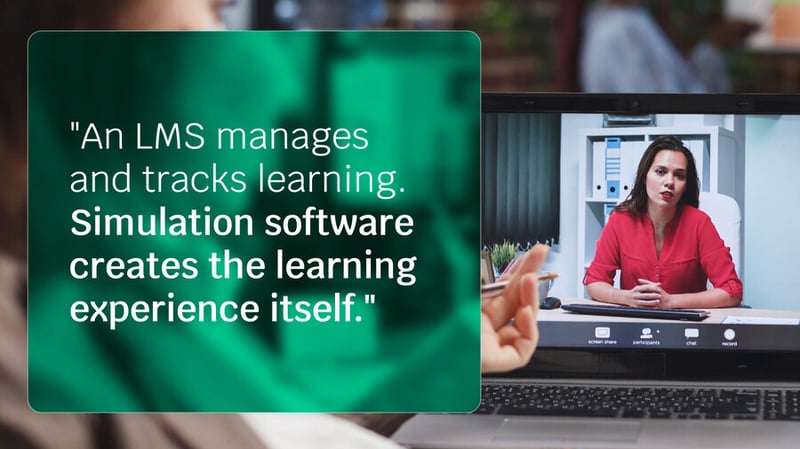
An LMS manages and tracks learning. Simulation software creates the learning experience itself. When combined, you get the best of both: immersive skill-building experiences with robust tracking and reporting.
Day-in-the-life scenarios immerse learners in realistic environments. Instead of reading about how to handle a situation, employees actually practice handling it.
Simulations require decisions and actions, not passive consumption. This active engagement builds capability in ways that videos and documents can't match.
Learners receive immediate feedback during simulations, allowing instant corrections and skill reinforcement. No waiting for a manager review or end-of-course assessment.
Simulation software captures evidence of demonstrated competence—not just completion, but actual performance in realistic scenarios.
When simulation software integrates with your LMS, you maintain centralized tracking while dramatically improving learning effectiveness.
The LMS records that training occurred. The simulation ensures the training actually developed skills.
In high-stakes environments like healthcare, this combination proves particularly valuable. Employees practice critical conversations and procedures in controlled settings, building competence before facing real patients. The LMS documents their progress and certifications.
Adaptive assessment-driven onboarding creates personalized 30-60-90 day journeys that leverage both systems—using the LMS for structure and tracking while using simulations for hands-on skill development.
Understanding both advantages and limitations helps you build a complete training technology strategy.
Knowing the key types of LMS available helps organizations choose platforms aligned with their goals. But the most effective training strategies don't rely on an LMS alone.
Integrating simulation software addresses the passive learning limitation by creating active, engaging experiences. Audit-ready, evidence-based records from simulations provide skill verification that traditional assessments can't match.
The combination—LMS for management and tracking, simulation for experiential learning—creates training programs that are both administratively sound and genuinely effective.
An LMS provides essential infrastructure for corporate training. It organizes content, tracks completion, and maintains the documentation organizations need.
But the LMS is the container, not the content. The learning experiences you put inside determine whether training actually builds capability.
Simulation software transforms what's possible within your LMS framework. Instead of passive content consumption, employees engage in realistic practice. Instead of quiz scores, you get verified evidence of skill development.
Ready to enhance your training programs? Explore how Skillwell integrates with your existing LMS to deliver immersive simulation training that develops real skills—with the tracking and documentation you need.
Here is the uncomfortable truth about AI in learning today: ...
Adaptive learning promises personalized pathways and measurable gains. Seasoned buyers know no technology arrives without ...
Remote and hybrid higher education changed what "hands-on" can mean.
Here is the uncomfortable truth about AI in learning today: ...
Adaptive learning promises personalized pathways and measurable gains. Seasoned buyers know no technology arrives without ...
Remote and hybrid higher education changed what "hands-on" can mean.