

Beyond the Content Explosion: What 17 ...
Blogs
Here is the uncomfortable truth about AI in learning today: ...
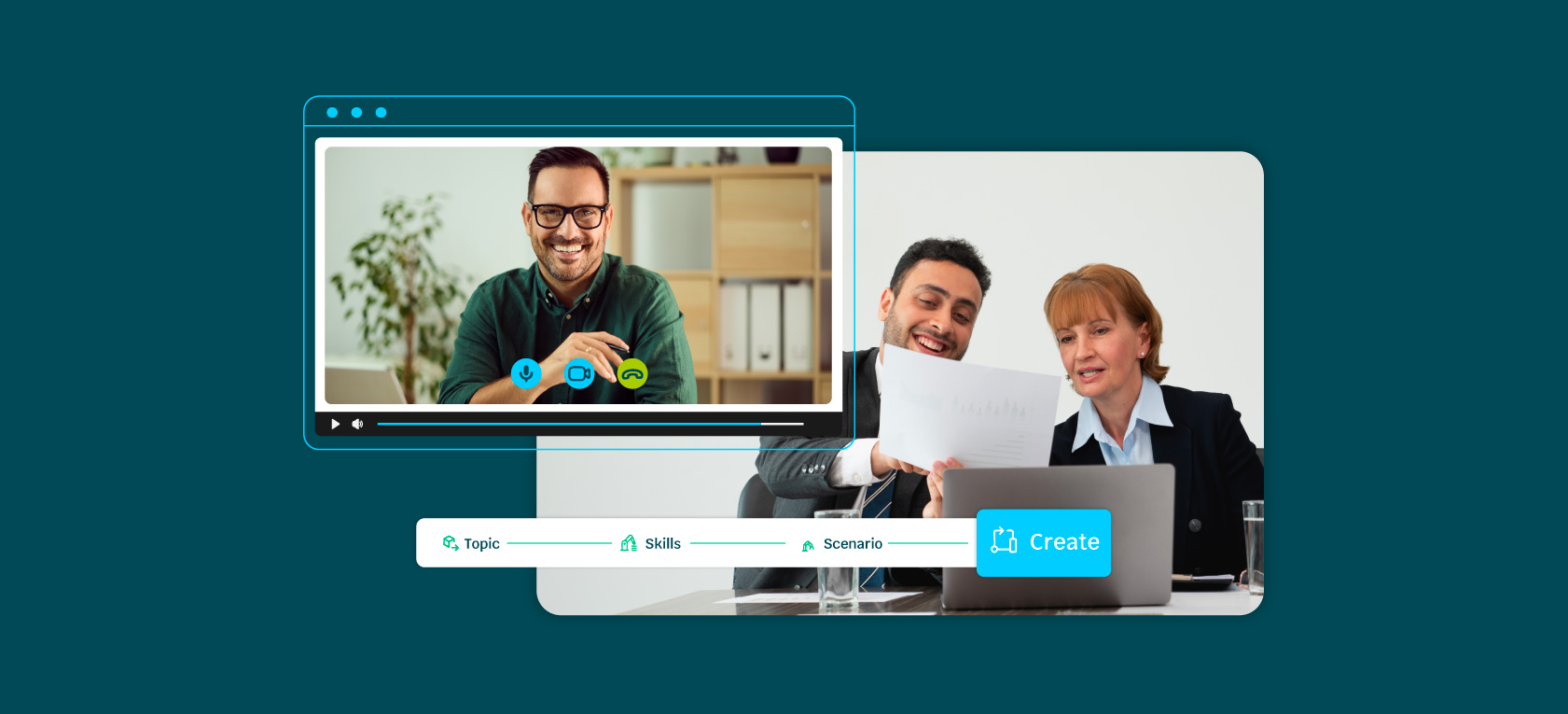
Every organization invests in training. The question is whether that investment actually builds capability—or just checks a compliance box.
Traditional training approaches often fall short. Employees sit through presentations, complete modules, and pass quizzes. But when they return to their desks, how much actually sticks? How much translates to better performance?
Corporate training software has evolved to address this gap. Modern platforms go beyond content delivery to create genuine learning experiences that develop skills, track progress, and adapt to individual needs.
This guide explores the landscape of corporate training simulation software—from the differences between system types to how various industries leverage these tools effectively.
Two acronyms dominate corporate training discussions: TMS and LMS. Understanding the distinction helps you choose the right tools.
A TMS focuses on the logistics of training delivery:
Think of it as the administrative backbone—making sure training happens when and where it should.
An LMS focuses on content delivery and learner experience:
Think of it as the learning platform—where employees actually engage with training content.
So, which is best for your organization? It depends on the features you need, and the capabilities you want to apply to your training system:
Many organizations use both systems together. For those seeking an LMS for corporate training, understanding these distinctions helps match tools to actual needs.
An emerging trend is integrating AI-powered adaptive learning into both TMS and LMS platforms. This technology delivers personalized experiences that adapt in real time to individual learner needs.
Verified skills data captured during training—particularly immersive simulation training—can instantly personalize learning pathways. Employees receive relevant training based on their existing skills and gaps, not generic content that may not apply.
According to a 2024 report by the Association for Talent Development, 76% of best-in-class organizations are already using AI-enhanced LMS tools to boost learner engagement and maximize ROI.
The 70-20-10 model is a foundational framework for thinking about how people actually develop skills.
The model suggests that formal training alone isn't enough. Effective programs balance structured learning with experiential and social opportunities.
Practical applications:
Branching simulations enhance the experiential learning component by creating day-in-the-life scenarios that reflect real-world challenges. Employees practice in safe environments before facing actual situations.
This bridges the gap between formal training (10%) and on-the-job application (70%). Simulations provide experience without the risk of learning through real mistakes.
Adaptive assessment-driven onboarding further strengthens this approach by creating personalized pathways that combine formal training with ongoing support. Organizations using this model have achieved measurable outcomes, including an average 27% improvement in skills.
Corporate training software adapts to diverse industry contexts. Here's how different sectors leverage these tools:
Healthcare training often involves high-stakes scenarios where mistakes have serious consequences.
Common applications:
Key requirements: Audit-ready, evidence-based records proving competence. Regulatory compliance demands documentation that employees can perform critical tasks safely.
Retail training focuses on customer interactions and sales performance.
Common applications:
Key requirements: Skills data analytics to track employee performance and connect training to customer satisfaction metrics.
Manufacturing training emphasizes safety, compliance, and operational procedures.
Common applications:
Key requirements: Reduced training seat time for faster onboarding while maintaining compliance with industry regulations.
Traditional training programs track completion—who finished which course, when they passed a quiz. But completion doesn't tell you whether someone can actually perform.
Effective skill tracking goes deeper, measuring demonstrated capability rather than just participation. Key elements include:
Platforms like Skillwell capture verified skills data during immersive simulations, providing evidence of demonstrated competence.
This approach transforms tracking from a compliance checkbox into a genuine development tool—showing not just that training happened, but that skills actually improved.
Simulation software creates immersive practice environments that accelerate skill development. There are a few reasons why:
AI-powered adaptive learning integrates with simulation software to create branching simulations generated in minutes without technical expertise. Organizations can tailor scenarios to specific roles and contexts, enriching learning experiences without lengthy development cycles.
Simulation software offers distinct advantages—but it's not the right choice for every situation.
Simulation software excels for training that requires:
Adaptive assessment-driven onboarding leverages simulation training within personalized 30-60-90 day journeys, ensuring employees are prepared for their roles while reducing compliance burden associated with traditional approaches.
Measuring training effectiveness is essential for continuous improvement and demonstrating value.
Most Learning Management Systems include built-in reporting features covering basic metrics. Third-party analytics tools can provide deeper insights into training effectiveness and connections to business outcomes.
Audit-ready, evidence-based records proving competence add significant value, particularly in regulated industries where demonstrating compliance and skill mastery is mandatory. Integrating these records with existing reporting tools provides comprehensive visibility into training effectiveness.
Selecting the right platform requires evaluating against your specific criteria.
Organizations have reported significant improvements using the best corporate LMS options. Companies utilizing platforms that combine adaptive learning with immersive training have experienced 40% faster upskilling and 27% average skill improvement.
Effective corporate training software does more than deliver content—it builds capability.
Modern platforms combine adaptive learning, immersive simulation, and robust analytics to create training that actually translates to performance.
Want to see what's possible? Explore how Skillwell integrates AI-powered adaptive learning with immersive simulation to create personalized, effective development experiences.
Here is the uncomfortable truth about AI in learning today: ...
Adaptive learning promises personalized pathways and measurable gains. Seasoned buyers know no technology arrives without ...
Remote and hybrid higher education changed what "hands-on" can mean.
Here is the uncomfortable truth about AI in learning today: ...
Adaptive learning promises personalized pathways and measurable gains. Seasoned buyers know no technology arrives without ...
Remote and hybrid higher education changed what "hands-on" can mean.