

Beyond the Content Explosion: What 17 ...
Blogs
Here is the uncomfortable truth about AI in learning today: ...
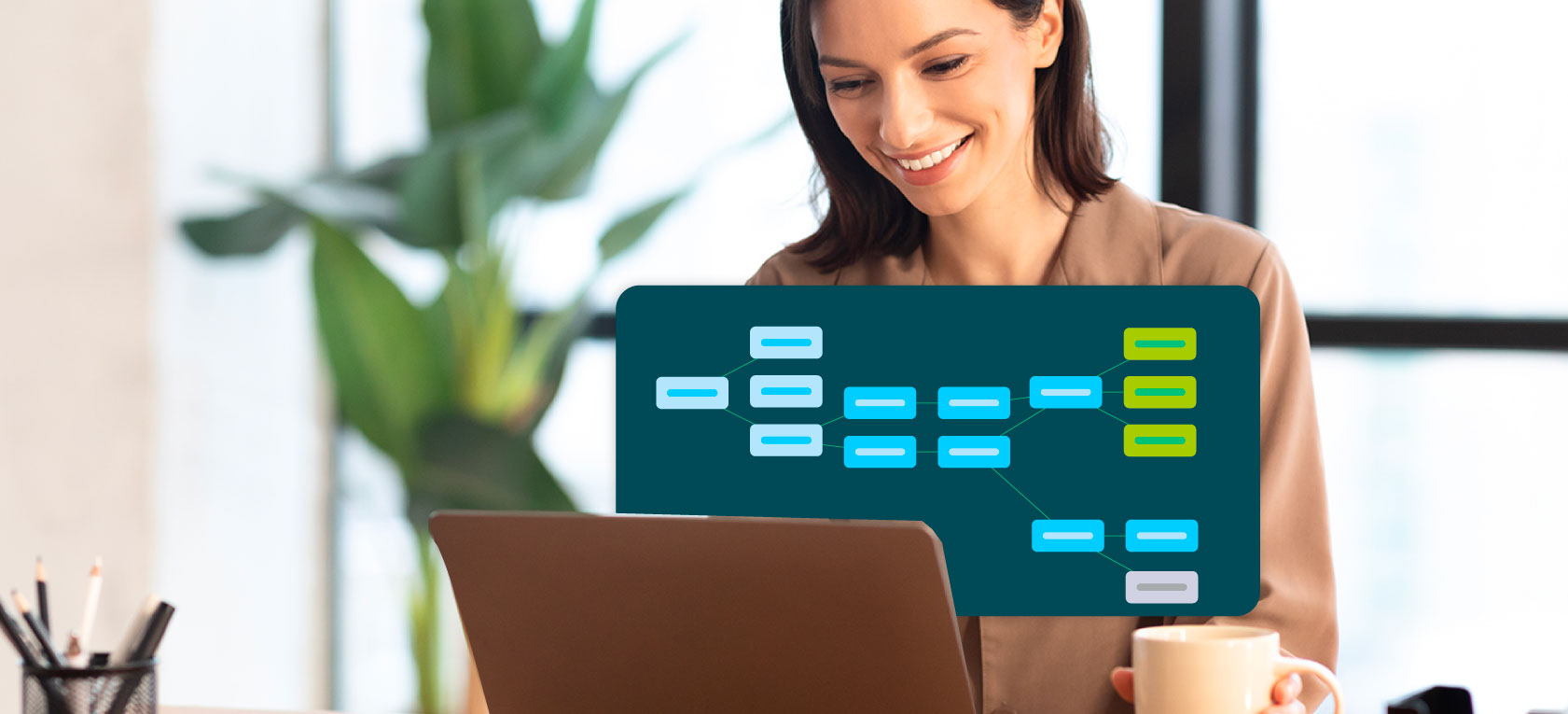
Upskilling your workforce is critical—but traditional training methods often fall short when it comes to engagement and real-world application.
So how can you bridge the gap between classroom learning and actual job performance?
Training simulation software offers a solution. By recreating real-world scenarios in a controlled environment, simulations give employees hands-on practice without real-world consequences.

The result? Better retention, faster skill development, and more confident team members.
Let’s look at everything you need to know about creating effective training simulations—from the essential elements to the step-by-step design process, plus how AI is changing the game.
Want to create a simulation that actually works? You'll need these four core components:
Your simulation should mirror the actual challenges your employees face on the job. The closer it matches reality, the more effectively learners can transfer those skills to their daily work.
Interactive elements like branching scenarios and decision points keep learners actively involved. When people make choices that affect outcomes, they stay focused and invested in the learning process.
Immediate feedback is crucial. Learners need to understand what they did right (or wrong) in the moment so they can adjust their approach and reinforce good habits.
Built-in assessments help you track whether learning objectives are being met. This data also gives you insights into skills maturity across your workforce, so you can identify gaps and opportunities for growth.
Here's why realism and engagement matter so much: simulations that replicate authentic challenges create emotional resonance.
When learners feel the pressure of a difficult customer interaction or a high-stakes decision, they develop a deeper understanding that sticks with them long after the training ends.
Plus, utilizing verified skills data captured during simulations can personalize learning pathways instantly. This means each learner gets tailored experiences that align with their specific needs and skill level.
Creating an effective training simulation requires a systematic approach. Here's how to build one from the ground up:
Start by defining exactly what skills or knowledge the simulation should teach. Clear objectives guide every decision you make throughout the design process.
Ask yourself: What should learners be able to do differently after completing this simulation?
Who are you training? Understanding your learners' backgrounds, current skill levels, and specific needs helps you tailor the simulation to meet them where they are.
Develop a realistic scenario that reflects the daily challenges your learners actually face. Day-in-the-life scenarios work particularly well because they resonate with employees' real experiences.
Remember: The more authentic the scenario feels, the more engaged your learners will be.
Use branching paths where learners make decisions that impact the outcome. This interactivity is what separates simulations from passive training methods.
The good news? Branching simulations can now be generated in minutes via AI, allowing for rapid scenario development without requiring extensive technical expertise.
Establish clear metrics to evaluate learner performance and provide meaningful feedback. Make sure these criteria align directly with your learning objectives from step one.
Choose the right simulation software that meets your needs. Consider factors like:
Run a pilot test with a small group before full deployment. Gather feedback and identify any issues that need adjustment. This step saves you from costly mistakes down the road.
Deploy the simulation to your full audience, but don't stop there. Continuously monitor its effectiveness and make improvements based on learner feedback and performance data.
The use of audit-ready, evidence-based records can help prove competence and compliance, further enhancing the value of your training program—especially in regulated industries.
Absolutely! AI is transforming how organizations approach simulation training.
AI simulation tools are making it faster and easier to create sophisticated training experiences. Here's what AI brings to the table:
AI analyzes learner data to create tailored pathways that adapt in real-time based on individual performance. Instead of one-size-fits-all training, each person gets an experience customized to their pace and needs.
AI-powered authoring tools allow you to build complex branching simulations quickly—no technical expertise required. What used to take weeks can now be done in minutes.
AI processes verified skills data captured during simulations, giving you deep insights into learner progress and skills maturity across your organization. This helps you identify trends and make data-driven decisions about your training strategy.
AI systems offer immediate feedback during simulations, helping learners correct mistakes and reinforce learning in real-time. This capability is particularly valuable in high-stakes patient conversations or customer interactions, where timely feedback can significantly impact outcomes.
The bottom line? AI doesn't just make simulation creation easier—it makes the simulations themselves more effective.
Simulation tools encompass a variety of software platforms designed to create interactive learning experiences. Here are the main types you'll encounter:
Platforms specifically focused on skill development and employee training. These typically include features for scenario creation, learner tracking, and performance analytics.
These use gamification elements—points, badges, leaderboards—to engage learners in a fun, interactive way while still teaching real skills.
Offer fully immersive experiences that replicate real-world environments. VR simulations are particularly effective for hands-on skills training or situations where real-world practice would be too expensive or dangerous.
Allow for the creation of branching scenarios that simulate complex decision-making processes. Learners navigate through realistic situations, seeing how their choices play out.
When comparing popular simulation software, consider these key features:
The right tool depends on your specific training needs and learning objectives. With the right adaptive learning and simulation tools, organizations can significantly reduce training seat time—achieving upskilling that is 40% faster and more effective.
Creating effective training simulations doesn't have to be complicated. With the right approach and modern tools—especially AI-powered platforms—you can develop immersive learning experiences that actually move the needle on employee performance.
The key is starting with clear objectives, designing realistic scenarios, and choosing software that makes the creation process manageable.
Ready to see how simulation training can transform your workforce development? Explore how Skillwell makes it easy to create engaging, effective training simulations that deliver real results.
Here is the uncomfortable truth about AI in learning today: ...
Adaptive learning promises personalized pathways and measurable gains. Seasoned buyers know no technology arrives without ...
Remote and hybrid higher education changed what "hands-on" can mean.
Here is the uncomfortable truth about AI in learning today: ...
Adaptive learning promises personalized pathways and measurable gains. Seasoned buyers know no technology arrives without ...
Remote and hybrid higher education changed what "hands-on" can mean.